
![[VIP] DesignCourse: Kickstart your UI/UX Design Career](https://dohoavip.com/wp-content/uploads/2023/06/thumbnail-21-768x428.webp)


![[VIP] Pro Tailwind: Tailwind Multi-Theme Strategy](https://dohoavip.com/wp-content/uploads/2023/04/thumbnail-50-2-768x403.webp)


Gửi ảnh cho khách
Chuyên nghiệp hơn
Upload từ Drive • Khách tự chọn • Tải về
Learn to create an adorable stylistic city while leveraging asset libraries along the way.
One of Blender’s latest features is the Asset Browser which is a welcomed interface for organizing, navigating, and utilizing libraries of models, materials, node trees, poses and more. In other words: 3D assets that can be easily reused, easily shared between scene files, and easily updated if needed.
Asset libraries are extremely important for larger-scale projects and animation pipelines.
3 main stages of Asset Library workflow:
- The CREATION of cute city assets.
- The ASSETIZATION of those assets so they’re accessible through the Asset Browser
- The ASSEMBLY of those assets into a final, adorable little city.
I chose this style of the city because it’s got something for every skill level. We’ll begin with simple standalone assets like a light post and a bench and even simple vehicles. These are the kinds of things you can build on your first day learning Blender.

With Chapter 2, the Blender course expands into more intermediate concepts like modularity.
Things like buildings designed to fit within a grid layout as well as street sections which need to seamlessly snap together geometrically and be seamless within the material.
Here we will also begin to utilize procedural textures so we can reuse a minimal number of materials for all our assets. In fact we won’t be using a single image texture throughout this project.

In Chapter 3 we’re taking it a step further into advanced techniques.
You will learn how to create a simple parametric building using geometry nodes.
We’ll also take a deep dive into automated material randomization, which is very important when reusing assets and materials frequently. Here we will utilize vertex colors to control several conditions within our materials like randomizing colors and illuminating windows.
There really is something for every skill level in this course! ????
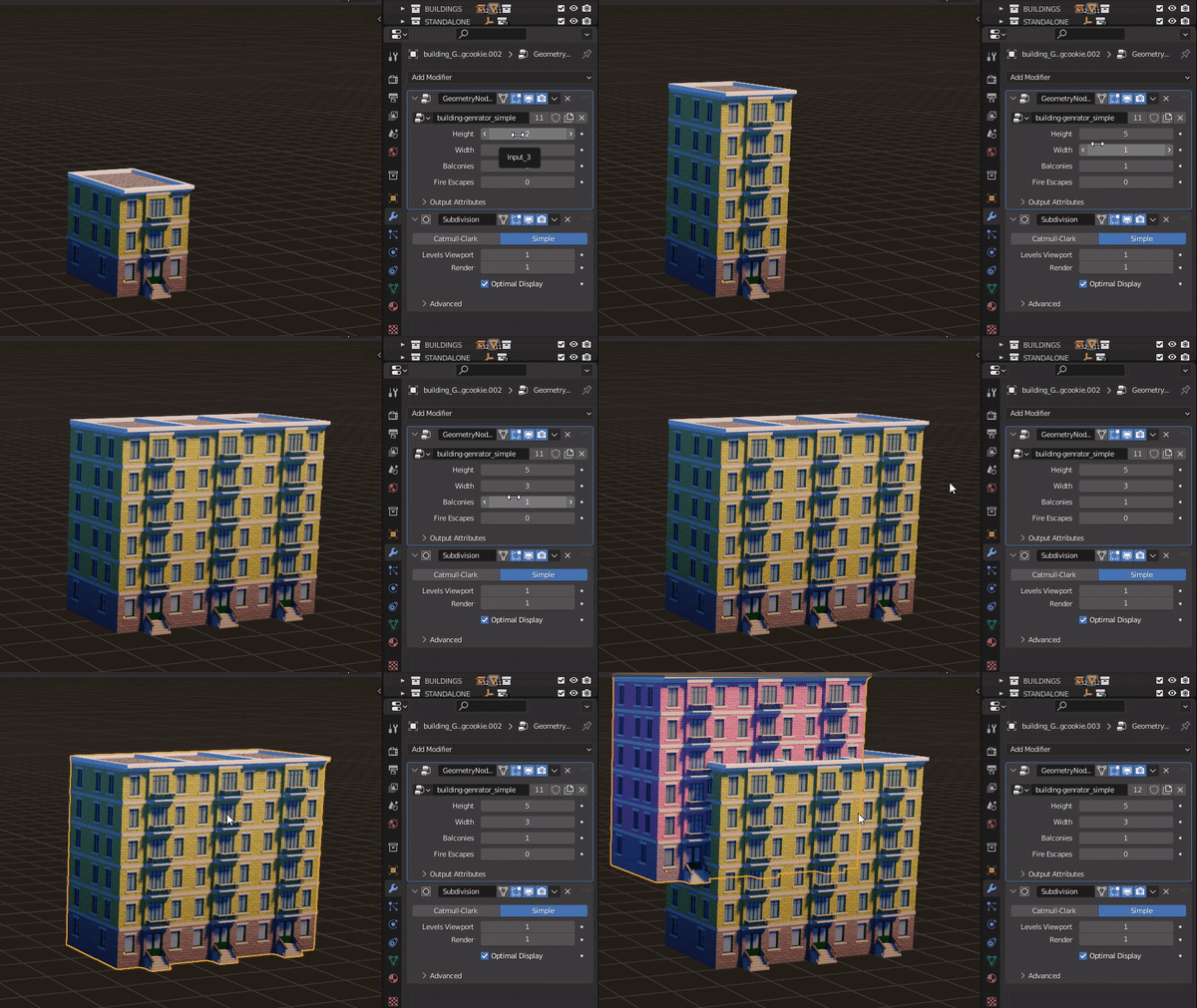
What is included with CUBICITY?
- 31 real-time video lessons across 4 chapters
- 10 hours total runtime
- Every step covered in depth
- .SRT caption files for each video
- Project source files (fully-featured Asset Library with over 50 assets)
MAGIMIR AI

Tự động hóa
100%
Không giới hạn
số lượng
Update
miễn phí
Bảng xếp hạng

tranminhtien9404
VIP 2Hoang Thai Bao
VIP 2Custudio
SVIPmomo300508
Thành viênQuoc8xx
Thành viênANHVAN
Thành viênThịnh hành
Xem tất cả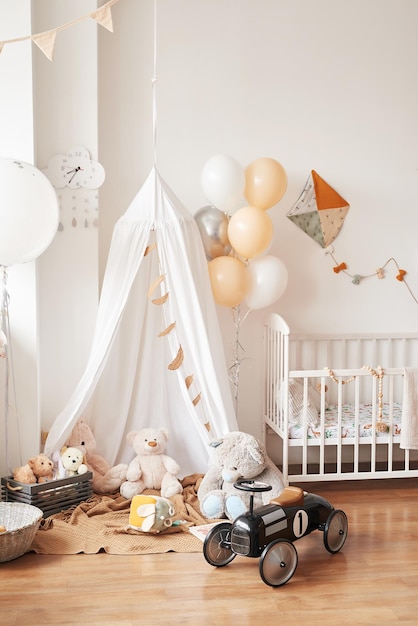
Scandinavian style white interior children’s room, bedroom, nursery. Baby cot with canopy. Wooden shelves and toys. Canopy tent, textile kite and balloons

Elegant wedding ceremony typography luxury invitation design with rings line art

Classic gold 3d editable text effect on red background psd

International womens day celebration with elegant woman in red dress
Violet background for easter with a silhouette rabbit
Collage grid and photo collage effect mockup
2017-2023 Dohoavip -All Rights Reserved.
Chấp nhận thanh toán: